First Deposit on RK ZONE: How to Load PHP 100-500 via GCash
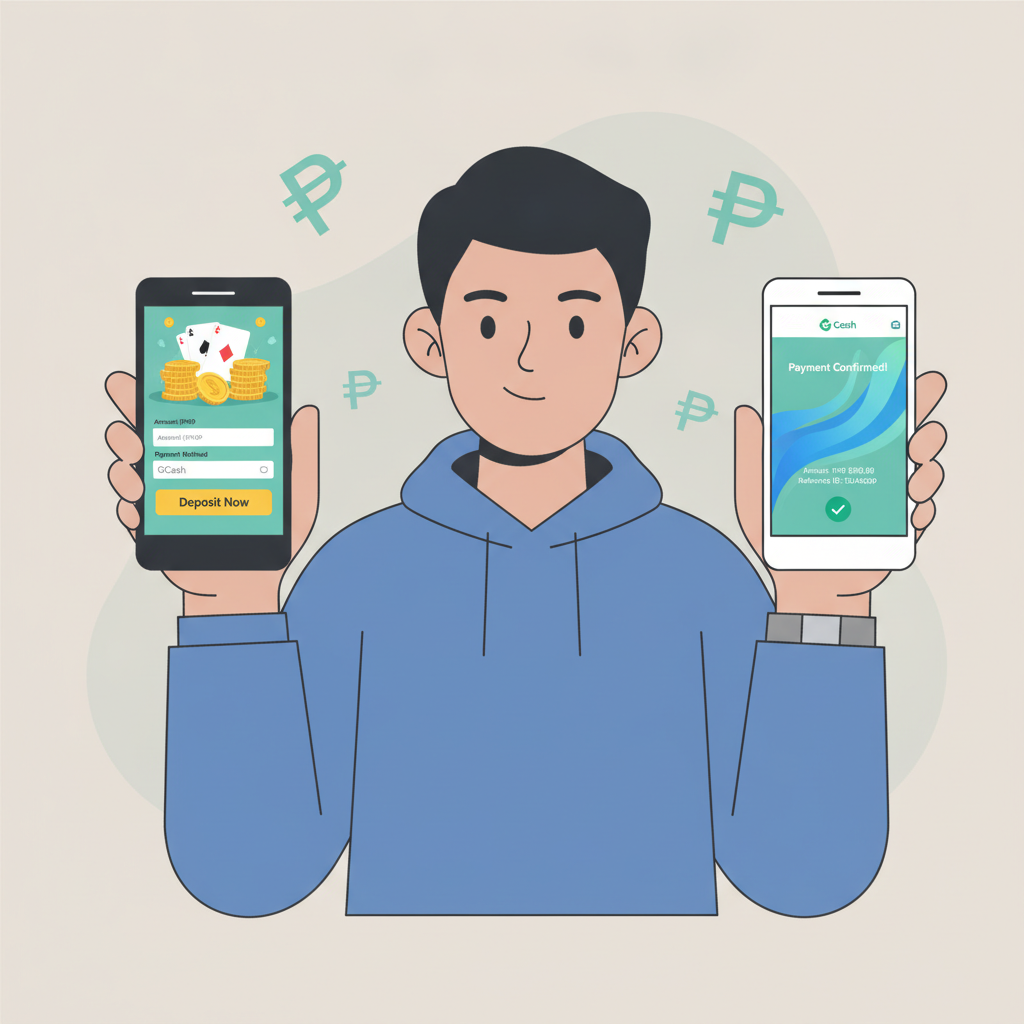
RK ZONE Minimum Deposit Amounts and Why GCash Is Popular for Filipino Players
RK ZONE sets its minimum deposit at PHP 100, which matches the budget of most casual players in the Philippines. Whether you want to try a few spins on slots, place a single bet on a PBA game, or test a live dealer table, PHP 100 gives you enough to explore without committing a large amount upfront.
Most Filipino players fund their accounts with PHP 100 to PHP 500 per deposit. This range is practical for mobile-first bettors who prefer to top up in smaller amounts rather than loading thousands of pesos at once.
GCash has become the go-to e-wallet for online casino deposits because nearly every smartphone user in Metro Manila and the provinces already has the app installed. You don't need a credit card, and there's no need to visit a bank branch or ATM. Transactions happen instantly through your phone, which is why RK ZONE and similar platforms prioritize GCash alongside other local options like Maya and InstaPay.
When you deposit via GCash, the money moves directly from your e-wallet balance into your RK ZONE account. The process is faster than bank transfer methods like PESONet, and you can complete everything without leaving the RK ZONE site or app.
Step-by-Step: Navigating to the Deposit Page and Selecting GCash as Your Payment Method
Before you can make your first deposit, you need to have completed RK ZONE registration and logged into your account. If you haven't signed up yet, you'll need to provide basic details like your mobile number, email, and password, then verify your account through the confirmation link or SMS code.
Once you've completed the RK ZONE login process, follow these steps:
- Locate the deposit button. On mobile, this is usually a prominent button labeled "Deposit" or "Add Funds" at the top of the screen or in the account menu. On desktop, you'll find it in the header or your account dashboard.
- Tap or click the deposit button. This opens the deposit page, which lists all available payment methods for Filipino players.
- Select GCash from the list. RK ZONE groups payment options by type—e-wallets, bank transfers, and sometimes over-the-counter channels. GCash appears under the e-wallet section. Tap the GCash icon or button to proceed.
- Check the deposit limits displayed. The screen will show the minimum deposit (PHP 100) and maximum deposit per transaction. These limits can vary depending on your account status and the payment method, so always confirm the range before entering an amount.
At this stage, you're ready to specify how much you want to load into your account.
Entering Deposit Amount, Confirming the Transaction, and What Happens in Your GCash App
After selecting GCash, the next screen asks you to enter the deposit amount. Here's what to do:
- Type in the amount you want to deposit. For your first deposit, many players choose PHP 100 or PHP 200 to test the process. Make sure the amount falls between PHP 100 and the stated maximum. If you enter less than PHP 100, the system will prompt you to increase it.
- Review the transaction details. The screen should display your chosen amount, the payment method (GCash), and any applicable fees. RK ZONE typically does not charge a deposit fee for GCash transactions, but it's worth double-checking the final amount shown.
- Tap "Confirm" or "Proceed." This action submits your deposit request and redirects you to the GCash payment gateway.
- Log in to your GCash account. A new screen or pop-up window will open, asking you to authorize the payment through the GCash app or mobile web interface. If you're already logged into GCash on your phone, the app may open automatically. If not, you'll need to enter your GCash MPIN or use biometric login.
- Verify the payment details inside GCash. The GCash screen will show the merchant name (which may appear as RK ZONE or a payment processor), the exact amount you're sending, and your current GCash balance. Double-check that the amount matches what you entered on the RK ZONE deposit page.
- Confirm the payment in GCash. Tap the "Pay" or "Confirm" button. GCash will deduct the amount from your wallet balance and send a confirmation message.
- Return to RK ZONE. After GCash processes the payment, the screen will redirect you back to the RK ZONE site or app. You'll usually see a confirmation message saying "Deposit successful" or "Transaction pending."
Keep your phone handy for the next few minutes. You should receive an SMS or in-app notification from GCash confirming the deduction, and a separate notification from RK ZONE once the funds appear in your account balance.
How Long Deposits Take to Reflect in Your RK ZONE Account
GCash deposits on RK ZONE are designed to be instant. In most cases, your account balance updates within seconds after you confirm the payment in the GCash app. This speed is one of the main reasons Filipino players prefer e-wallets over bank transfers, which can take several hours or even a full business day.
However, there are situations where a deposit might take a few extra minutes:
- High traffic periods. If many players are depositing at the same time—such as right before a major PBA playoff game or a popular evening slot tournament—the payment gateway may experience a short delay.
- GCash server maintenance. Occasionally, GCash performs scheduled or emergency maintenance. If you attempt a deposit during this window, the transaction may queue until the service is back online.
- Incorrect account details. If you entered the wrong deposit amount or cancelled the GCash confirmation screen mid-process, the transaction won't complete. Always finish the entire flow inside the GCash app.
If your deposit hasn't appeared after five minutes, check your GCash transaction history to confirm the payment went through. Look for the deduction in your GCash wallet. If the money left your GCash account but hasn't arrived in RK ZONE, contact RK ZONE customer support through live chat or the help section. Have your GCash reference number ready—it's listed in your GCash transaction record—so the support team can trace the payment.
In rare cases where GCash deducted the funds but the casino did not receive them due to a technical error, RK ZONE support will ask you to provide a screenshot of your GCash receipt. The platform will then manually credit your account or work with the payment processor to resolve the issue. This process can take a few hours to one business day, but most deposits complete smoothly on the first try.
Responsible Gambling Tip: Only Deposit What You Can Afford to Lose (21+ Only)
RK ZONE is open exclusively to players aged 21 and above. Before you make your first deposit—or any deposit—it's important to set a personal budget and stick to it.
Online casino games, sports betting, and live dealer tables are forms of entertainment, not a way to make money. The outcome of every spin, card draw, and match bet involves chance, and there is always a risk of losing your deposit.
Here are a few practical guidelines:
- Decide on a deposit limit before you load funds. If PHP 100 or PHP 200 is all you're comfortable spending this week, don't exceed that amount just because you're on a losing streak or chasing a previous loss.
- Treat your deposit as entertainment spending. Think of it the same way you'd budget for a movie ticket or a night out. Once that money is gone, you've paid for the experience.
- Avoid borrowing to gamble. Never use credit, loans, or money meant for bills and necessities to fund your RK ZONE account.
- Take breaks. If you find yourself depositing more frequently than planned or feeling stressed about losses, step away from the platform and reassess your habits.
RK ZONE provides responsible gambling tools in the account settings, including deposit limits, session reminders, and self-exclusion options. Use these features if you need help managing your play.
Remember: gambling should be fun, and every deposit should be an amount you can afford to lose without affecting your daily life. If you ever feel that gambling is becoming a problem, seek support from local resources or helplines dedicated to responsible gaming.
By following the steps in this guide, you'll be able to complete your first RK ZONE deposit using GCash quickly and confidently. The PHP 100 minimum keeps the barrier low for beginners, and the instant processing means you can start exploring slots, live dealer games, or sports betting within minutes of funding your account.